
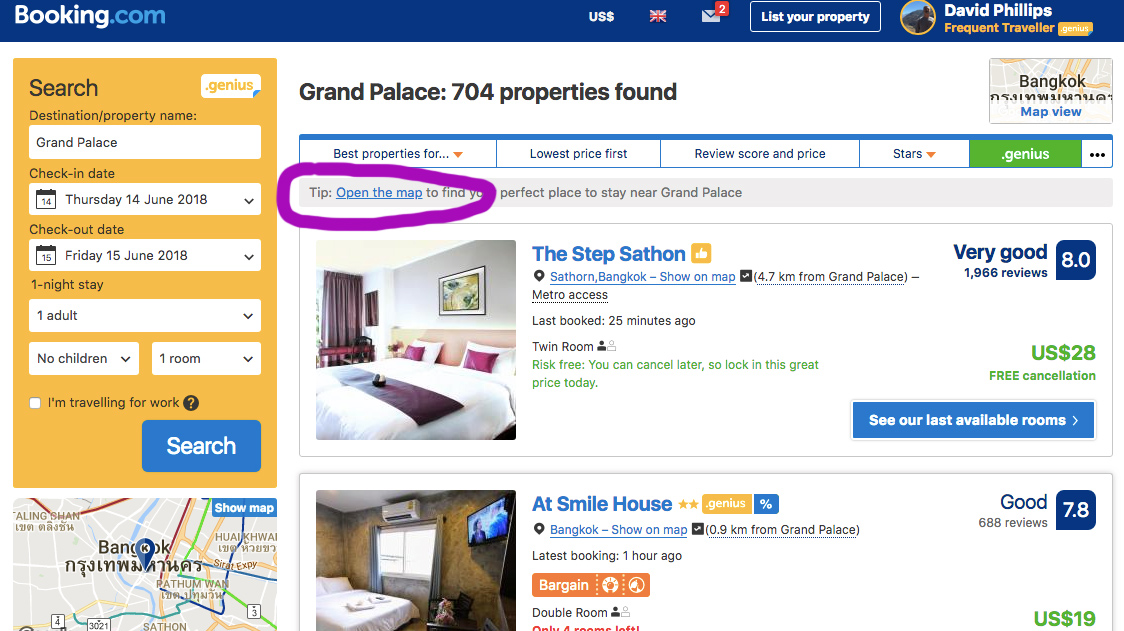
In the next photo you can see the map view that shows up. As you use your cursor to move over the little blue markers, a little box pops up with the name of the hotel, the rating if it has one, and the price for the duration of stay you have selected. I usually type in a duration of one night to start with so I can see the nightly price right away without a calculator. In this case I am hovering on a hotel called Riva Arun Bangkok. What I like about booking.com’s map view is I can see the exact location of the hotel on the map, as well as the name, rating and price of the hotel all at one time. (Enlarged here for your easy viewing) This is convenient. Depending on my priorities at the time, I can make my initial choices all in one place.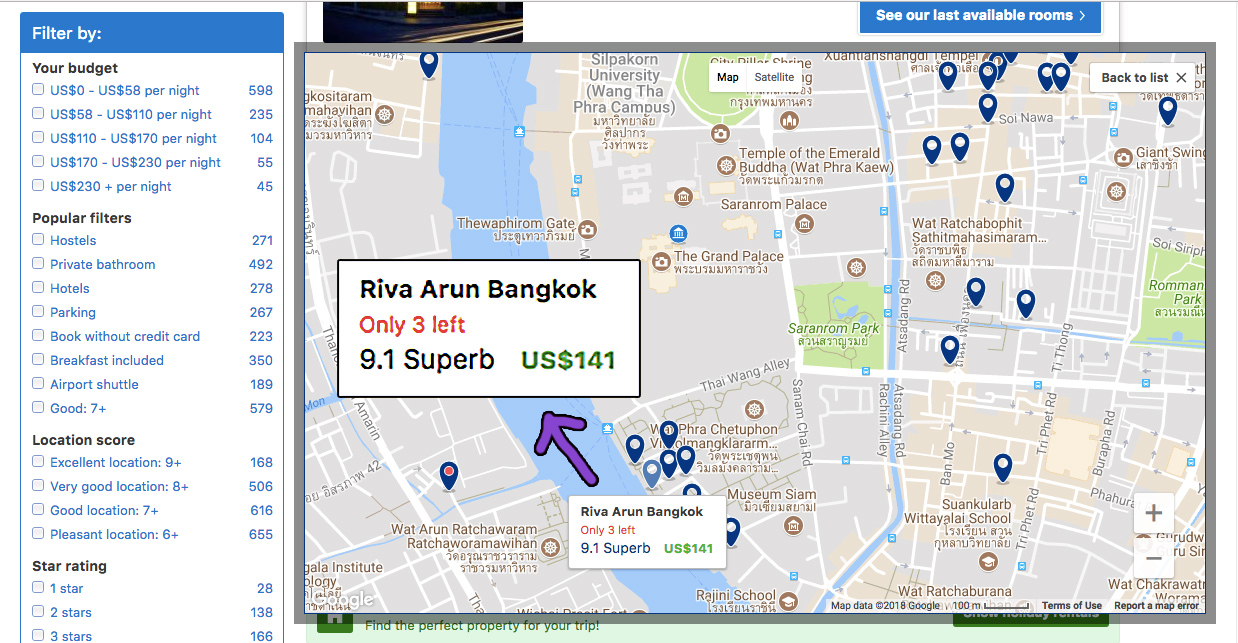
I can click on the markers that look interesting, and a little box pops up asking me if I’d like to view the property. When I click yes the property opens in a new tab and the map is still in front of me. I’ll usually choose 3 or 4 places that look interesting and then go to each of the opened tabs to read about the property, read some reviews (very important) and look at pictures. Then I type my actual dates I want, and make the reservation. I’ve been using this website for most of my hotels on my travels for several years now.
I hope you found this helpful.
(Transparency – the above links are affiliate links and I will earn a small commission if you book a hotel using this link. Thank you for your support)